2026-02-17
TL;DR
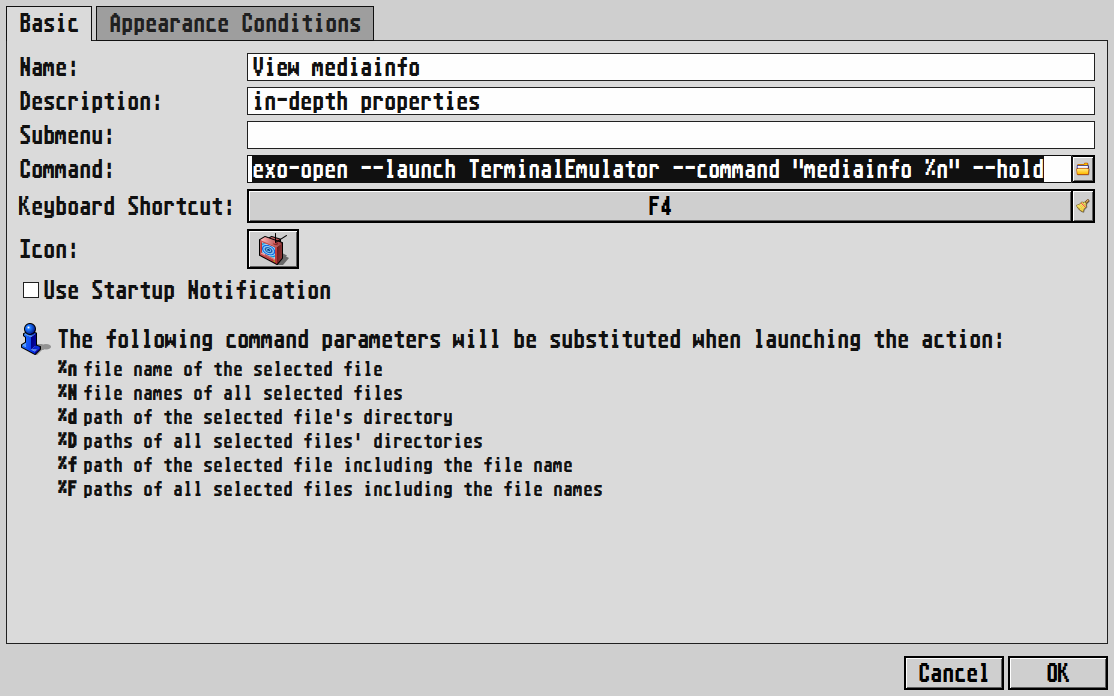
- 'Edit' -> 'Configure custom actions'
- 'Add a new custom action.'
- 'Name/Description' whatever you want
- Command:
exo-open --launch TerminalEmulator --command "mediainfo %n" --hold - switch to 'Appearance Conditions' tab
- checkmark 'Audio/Image/Text/Video Files'
- hit 'OK'. all done.
tell me more
i love Thunar for all it's built in functionality, but for some reason, the only file properties it shows is size...(and dates) for anyone managing digital content, who needs to know a file's codec/bitrate/tags/export-config etc, that sucks ass. we'll have to access our data another way.
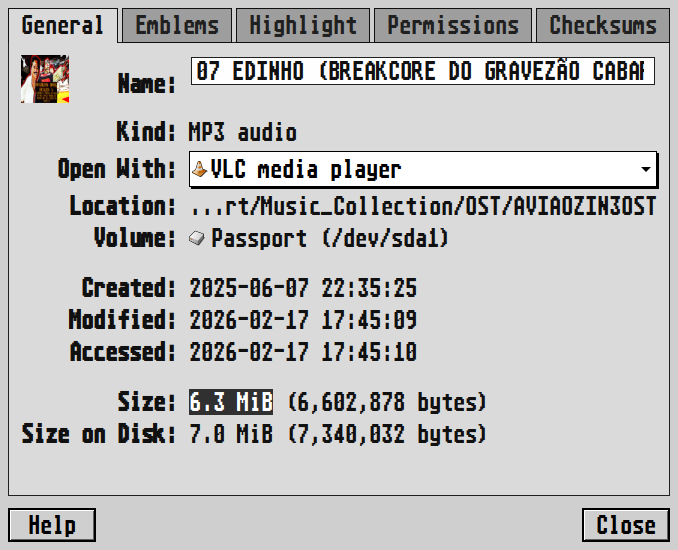
this is where mediainfo comes in handy. it shows absolutely everything a media container, well...contains. if a file has basically any line of metadata, it will be there for you <3
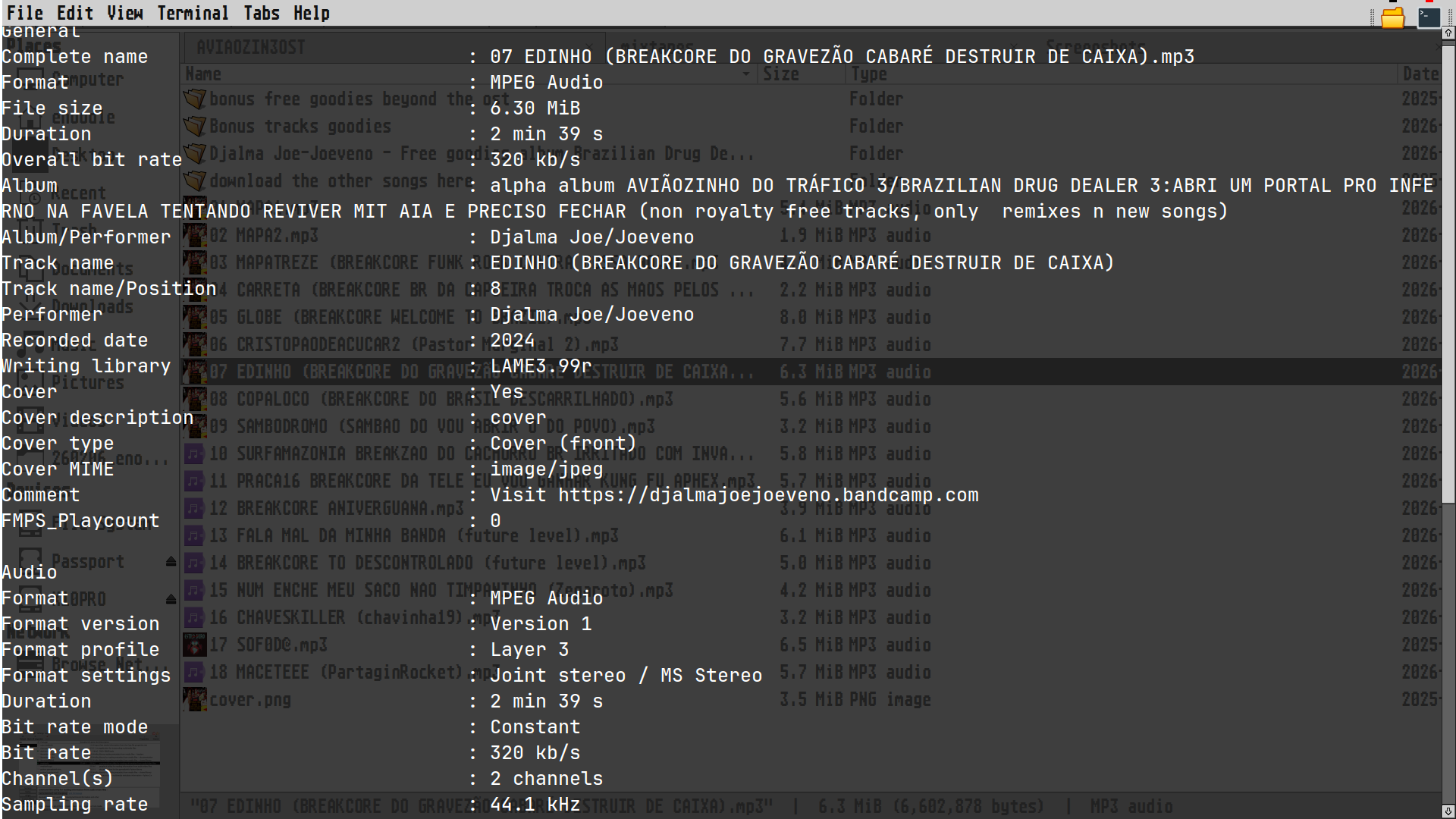
now, my only annoyance with mediainfo (as a CLI app), is how it's necessary to open a terminal in your directory and type its cmd with the full file name you want to check.
ex.
mediainfo "07 EDINHO (BREAKCORE DO GRAVEZÃO CABARÉ DESTRUIR DE CAIXA).mp3"
this is a waste of time, obviously. even if you're copying and pasting. so here's where i want to create a Thunar custom action. note, i already use a shortcut for opening a terminal in the current directory, a built-in script that functions the same as any custom command. so all we need to do is figure out how to append mediainfo and the current filename to the same command, right?
not so fast, pal
Thunar's documentation has a lot of overlapping info on adding custom arguments to stuff, so i was in the weeds for something i know is simple. having more experience with bash would make this easy to parse, but i'm not there yet.
in my search for answers, i found a reference for the exo-open cmd that Thunar uses to launch the terminal by default. here, it says we can append the cmd we want to run (in the mutt example) but apparently it's not the right syntax for Thunar's scripting.
my saving grace
i found an article detailing the arguments we can pass to the default Xfce terminal. they had an example line of exactly what i was trying to add in in this section:
Use case 5: Keep the Terminal Around After the Executed Command Finishes
so all we need is this snippet:
--command "command_with_args" --hold
from here we just replace the double-quote string with mediainfo and Thunar's filename variable: %n (as shown on the 'Create Action' panel)
2¢
this was tough to troubleshoot before i found the previous article, because i was able to get the terminal to execute from Thunar with mediainfo added, but the window popped in and out in a split-second. so it wasn't until i saw someone clarify the --hold argument that i understood it's default behavior is to execute the terminal and immediately close it. it seems like a frustrating design choice for cmds that involve opening a terminal in place, but it's understandable for scripting overall.
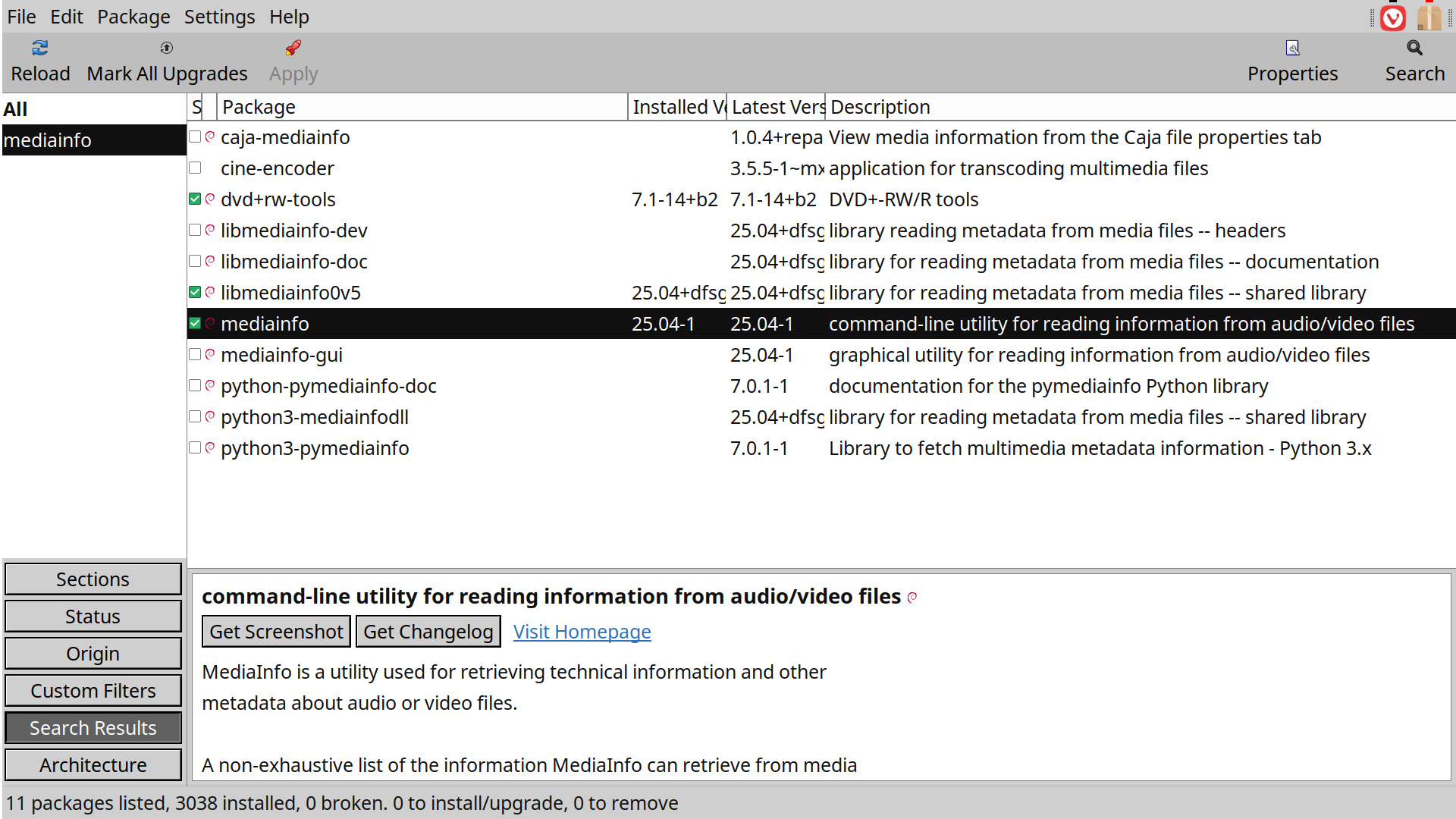
as i wrote this i noticed the gui version also available on my repo (on above package manager screenshot) which kind of defeats the purpose of my workaround lol. nonetheless, i'm glad to know the solution to what i want to do